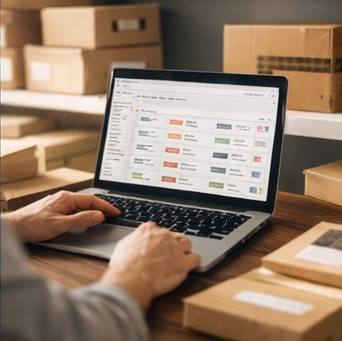
Once your stores are connected, navigate to Listings from the main menu. You'll see all listings from all connected stores in one place.
Use the filter controls at the top to narrow down what you see:
For example, filtering to "Active" on a Shopify store might show 1,508 listings, while switching to "Passive" reveals 4 that are no longer live.
A single physical product in your warehouse can have many listings across different platforms. For example:
Analision solves this by letting you merge duplicate listings into a single product record.
When Analision pulls your listings, it can automatically detect and consolidate duplicates. There are two ways this works:
If the same SKU is used across multiple stores for the same product, enable Automate Duplicate SKU during store setup. Analision will group those listings under one product record automatically.
If a product has multiple ASINs pointing to the same item (common with Amazon variations and child ASINs), enable Automate Duplicate ASIN. Analision will collect all related ASINs under a single product entry.
Why this matters: When you update stock for a product, Analision pushes that update to all associated listings across all stores — not just one. Without merging, you'd need to update each listing individually.
Once a product is set up with merged listings, you can:
Free forever up to 1,000 orders/month.